VibeXR Interaction Framework
One interaction model for hands, controllers, gaze and mouse
VibeXR is the WebXR interaction framework I build my browser XR prototypes on. It is a single HTML file on three.js: open it in a headset browser, tap Enter, and you are in passthrough with working hands. Hands, controllers, gaze pointers (Vision Pro) and a desktop mouse all drive the same small set of verbs: point, pinch, poke and grab, near or far.
It grew out of vibe coding: I wanted every new idea to start from interaction that already feels right, instead of rebuilding rays, grabs and buttons for each prototype. The tuning comes from my XR OS interaction work: when the ray appears, how far a far grab travels, how big the poke volume is, what a hover outline looks like on a messy CAD mesh. Projects then supply only their own world.
Try it
Try the beta version ↗ · the next release, still being tested: keyboard and mouse, Unity-style on desktop (right-drag to look, right + WASD / QE to fly, middle-drag to pan, Alt + left to orbit, F to frame) and in XR.
- Cubes on the desk: pinch or grab them near or far; two hands rotate and scale; tap changes colour, hold spins.
- Sketch board: draw with a fingertip, a pinch, a ray or the mouse; move it by its handle bar and it turns to face you.
- UI panel: buttons, toggles and a slider you can poke directly or use from a distance.
- Hand menu: turn your palm up to toggle passthrough, the ray, depth gain, the hand outline and joints, or to reset the world.
- Event log: every hover, press, drag and release is printed as it happens.
Built on VibeXR
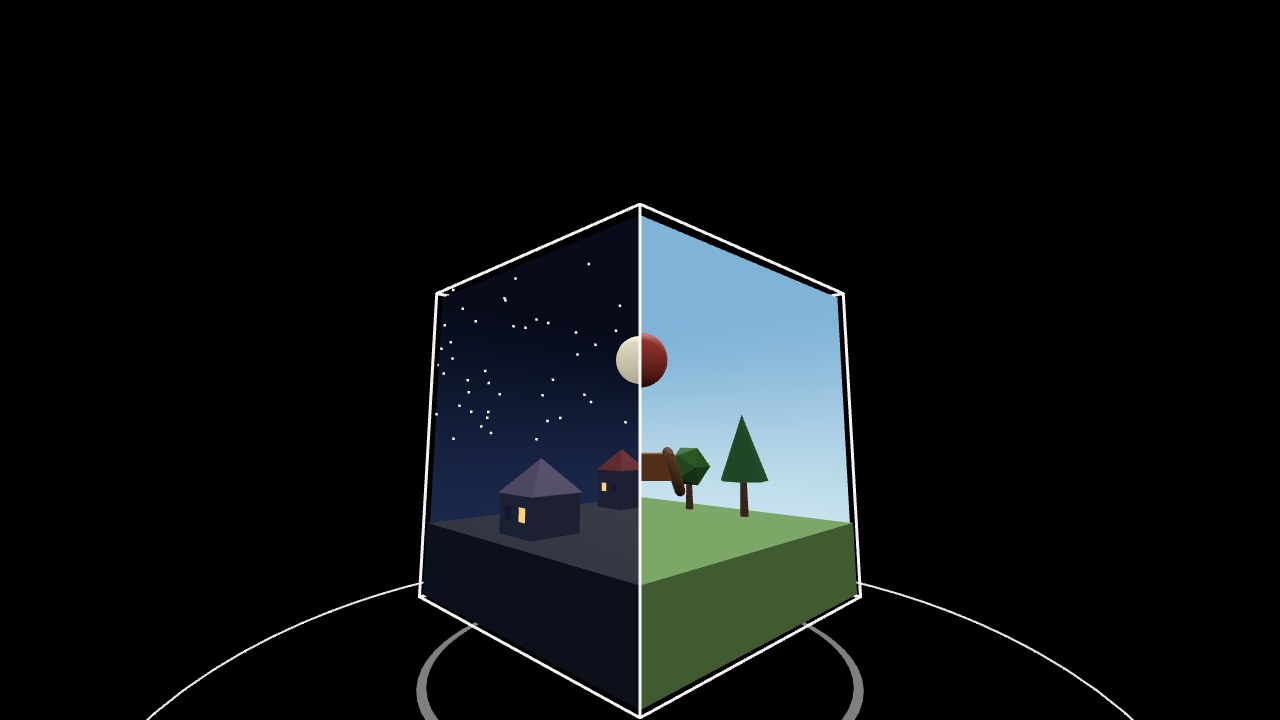
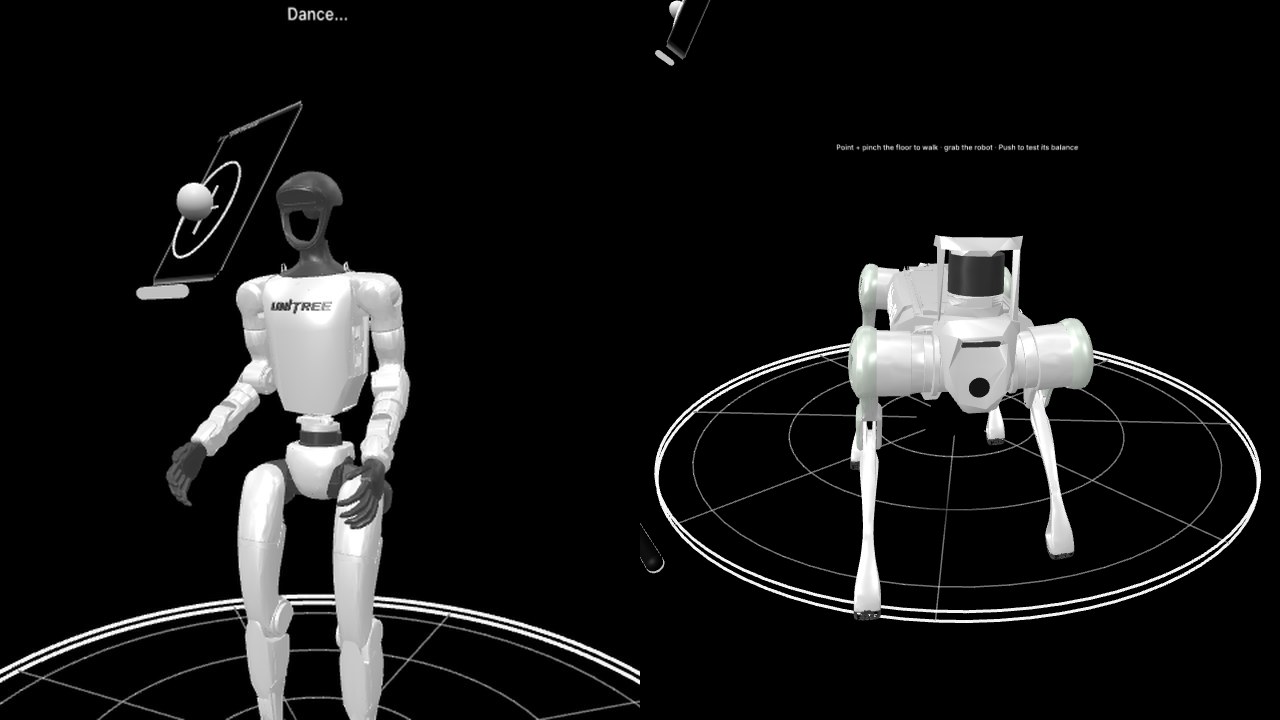
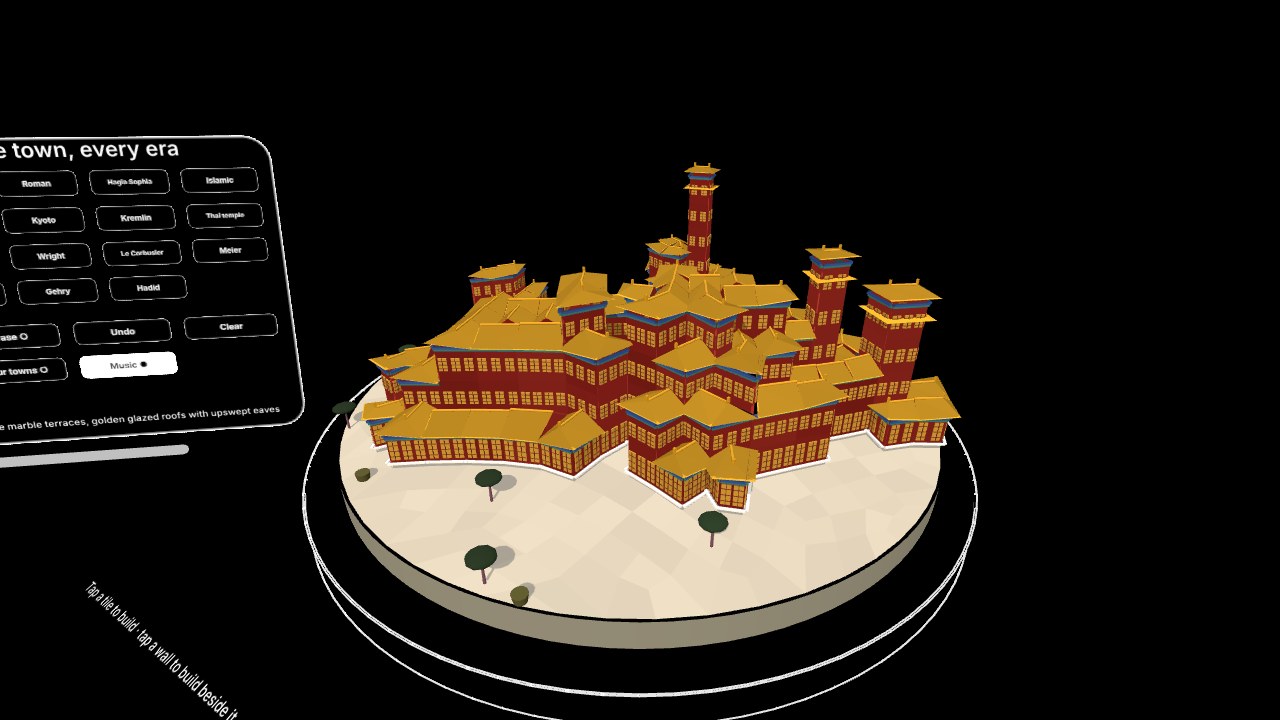
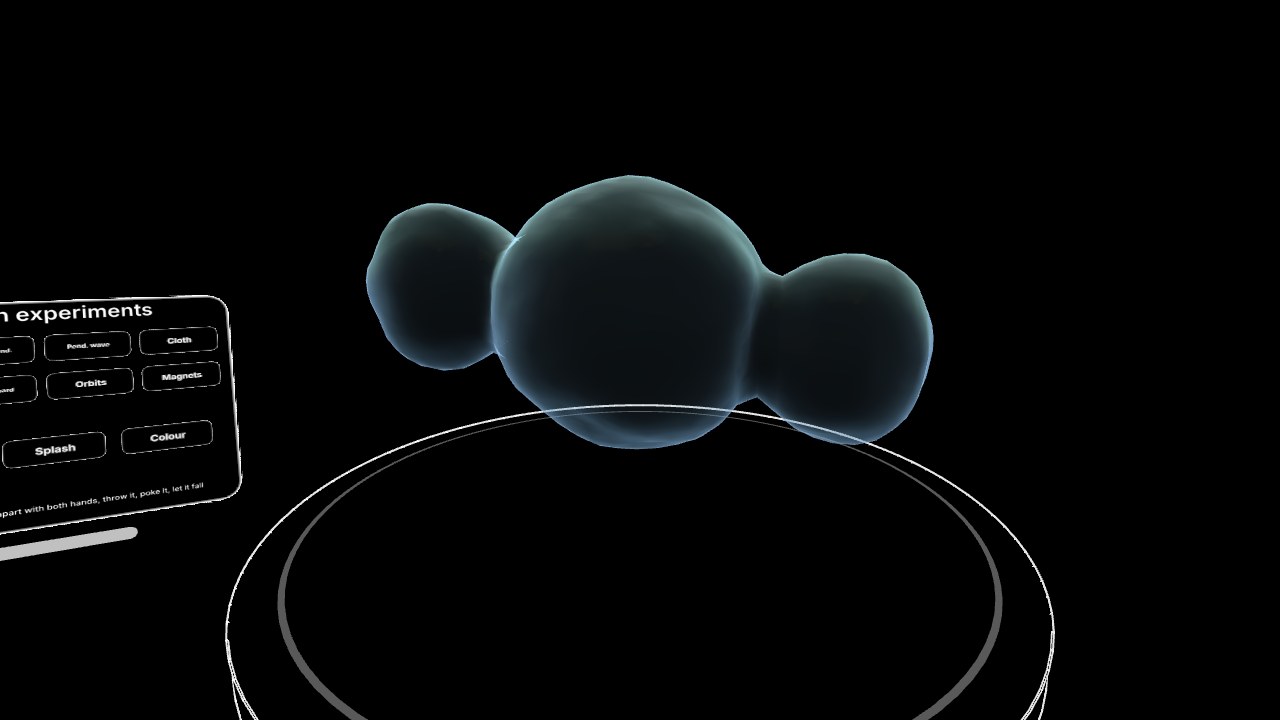
Each of these is one world on the same framework, so the same hands, controllers, gaze and mouse work in all of them. Open them in a headset browser and tap Enter.
Features
- Unified input: hand tracking, controllers, transient gaze pointers and the mouse all become one kind of interactor, so an object written once works with all of them.
- Near and far, decided by hover: nothing hovered means a ray; a target within reach means direct touch and no ray; a far target keeps the ray. The cursor and ray blend smoothly between the states.
- Grab that keeps its depth: far grabs hold their pick distance, with speed gain only on fast motion, and the wheel or thumbstick pushes and pulls.
- Poke: surfaces and volumes can be pressed by a fingertip or the tip of a controller, with press depth reported.
- Per-object options:
precise,constrain,translateOnly,multi,twoHand,longPress,draggableand more. - Feedback: a constant-width white hover outline that stays clean on multi-part models, an outlined hand, and soft click sounds on press and release.
- UI kit: panels, buttons, toggles, sliders, auto-sized labels, a palm-up hand menu, a sketch board and a log panel, drawn in one black and white line style.
- Passthrough first: a single Enter button starts AR with VST on (headsets without AR enter VR through the same button); the table height is calibrated from your head when you enter.
Build on it
A project is a world: an object with init, enter,
update and exit. The world context gives it a scene root and helpers that
register interactables, so everything the world creates is cleaned up when it unloads.
const Hello = {
  id: "hello",
  title: "Hello VibeXR",
  init(ctx) {
    const { root, THREE } = ctx;
    root.add(new THREE.HemisphereLight(0xffffff, 0x222222, 2));   // a world brings its own lights
    const cube = new THREE.Mesh(new THREE.BoxGeometry(0.1, 0.1, 0.1), new THREE.MeshStandardMaterial({ color: 0x7fb2ff }));
    cube.position.set(0, 1.3, -0.5);
    root.add(cube);
    ctx.add(cube, { draggable: true, twoHand: true })   // grab near or far; two hands rotate and scale
       .on("tap", () => ctx.log("tapped"))
       .on("longpress", () => ctx.log("held"));
    const reset = ctx.button("Reset", { onClick: () => cube.position.set(0, 1.3, -0.5) });
    reset.root.position.set(0, 1.15, -0.45);
    root.add(reset.root);
  },
  update(dt, t, ctx) {},
};
app.worlds.register(Hello);
Projects built on VibeXR:
- Microduck XR: a real robot RL policy you can pick up with your hands.
- VibeXR Gallery: immersive WebXR canvases and spatial ink.
- Dream Cage: a diorama-sized portal cube; turn it until two half-shapes make one across an edge.
Changelog
The current version is v0.8.25. The full history is at the top of the source file.
0.8.25A single Enter button: AR with VST on by default; headsets without AR enter VR through the same button. No separate VR button.0.8.24Hover outline welded by position and centred on each part, so CAD meshes get no gaps or shards;outlinePushdraws a silhouette-only outline.0.8.23Select sound is a crisp mouse click on press and a softer click on release.0.8.21UI draws opaque with an alpha cutout, so depth orders panels, buttons and the grid.0.8.14Hover and press feedback became a white outline instead of an emissive glow.0.8.10Ray or direct is decided by hover alone.0.8.0Sketch board pivots on its handle bar.0.7Sketch board for any input;multiandtranslateOnly; spatial cursor-depth solver.0.5Select through session events for gamepad-less sources (Vision Pro, gaze);preciseandconstrain.